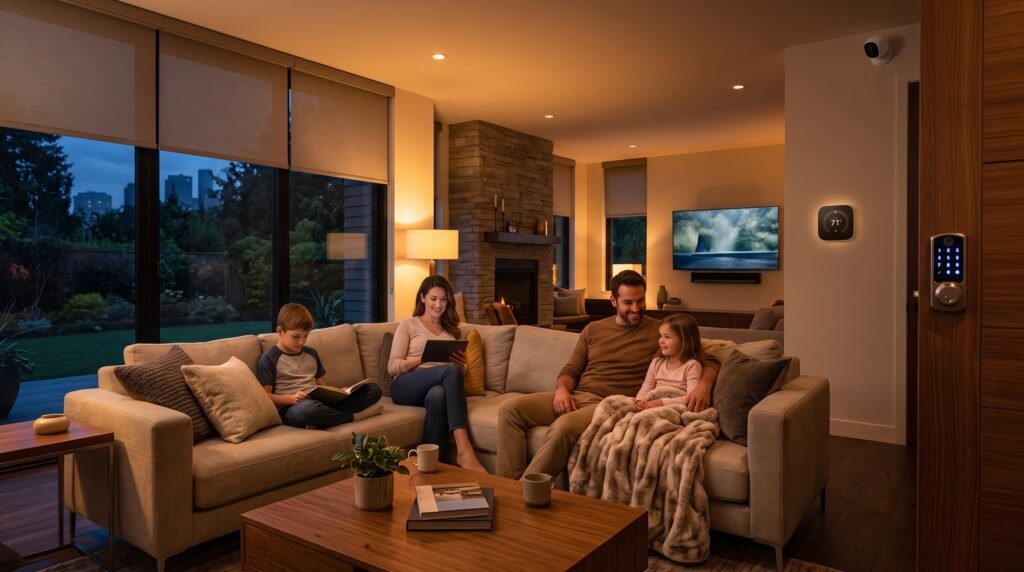
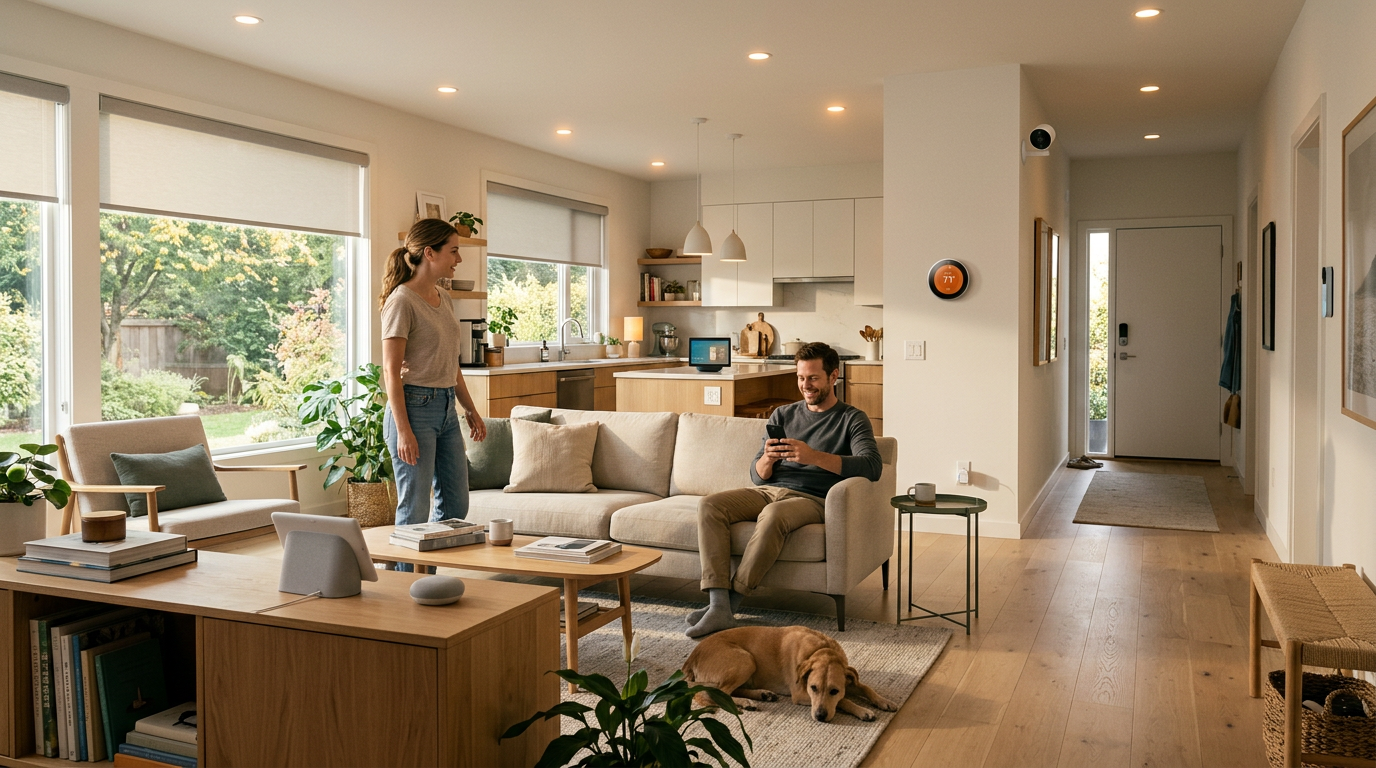
You walk in the door, and the lights turn on by themselves. The thermostat has already warmed the living room to exactly how you like it. Your front door locked itself the moment you left for work this morning, and you got a notification to prove it.
That’s not science fiction—it’s an ordinary Tuesday for millions of households now running some form of smart home automation. The good news is that smart home automation is far simpler, cheaper, and less technical than it looks from the outside.
If you’re wondering where to start, this guide is designed specifically for you. Whether you’ve never owned a smart device or you’re just beginning to explore the possibilities, this smart home automation for beginners guide will help you understand how the technology works, how the different devices fit together, and how to build your first smart home without wasting money on products you don’t need.
Table of Contents
- What Is a Smart Home, Really?
- How Smart Home Devices Actually Work
- The Building Blocks of a Smart Home
- Wi-Fi vs. Zigbee vs. Z-Wave vs. Matter: Do You Need to Care?
- Choosing an Ecosystem: Alexa, Google Home, or Apple Home
- Where to Start: A Beginner-Friendly Roadmap
- Common Beginner Mistakes to Avoid
- Smart Home Security and Privacy Basics
- Renters vs. Homeowners: What Changes
- How Much Does a Smart Home Really Cost?
- Frequently Asked Questions
- Conclusion
What Is a Smart Home, Really?
A smart home is simply a home where everyday devices — lights, locks, thermostats, plugs, speakers, cameras — can be controlled remotely, scheduled automatically, or triggered by conditions like time of day, motion, or voice command.
The core idea isn’t “gadgets for the sake of gadgets.” It’s automation that removes small, repetitive decisions from your day: not having to check if you left a light on, not fumbling for keys in the dark, not manually adjusting the thermostat every time you leave the house.
Smart homes generally fall into a few overlapping goals:
- Convenience – controlling devices from your phone or voice, from anywhere
- Energy savings – smart thermostats and plugs that reduce waste
- Security – locks, cameras, and sensors that alert you to unusual activity
- Accessibility – voice and automation support for people with mobility or vision limitations
- Peace of mind – knowing your home is doing what it’s supposed to, even when you’re not there
You don’t need to adopt all of these at once. Most people start with one problem they want solved — usually lighting or security — and expand from there.
How Smart Home Devices Actually Work
At a basic level, every smart home setup has three layers:
- The device – the physical product: a bulb, plug, lock, sensor, or thermostat.
- The network – the wireless protocol the device uses to communicate (Wi-Fi, Zigbee, Z-Wave, Bluetooth, or Thread).
- The controller – the app, hub, or voice assistant that sends commands to the device and receives status updates back.
When you say “turn off the lights,” your voice assistant doesn’t control the bulb directly — it interprets the request, sends a command over the network to the bulb (or to a hub that relays it), and the bulb responds. When you set a schedule (“turn on the porch light at sunset”), that logic can run either in the cloud, on a local hub, or directly on the device itself, depending on the brand.
Local vs. cloud control is worth understanding early:
- Cloud-dependent devices send commands through the manufacturer’s servers. They tend to be cheaper and easier to set up, but they stop working if your internet or the company’s servers go down.
- Local-first devices (increasingly common thanks to the Matter standard and hubs like Home Assistant or Samsung SmartThings) can keep working on your home network even without internet access, which is generally more private and more reliable.
You don’t need to memorize the technical details, but knowing this distinction will help you ask the right question before buying anything: “Does this still work if my Wi-Fi goes down?”
The Building Blocks of a Smart Home
Most smart homes are built from a combination of the following device categories. You don’t need all of them — pick based on the problem you’re solving first.
Smart Hubs
A hub is a central device that connects and coordinates other smart devices, especially ones that don’t use Wi-Fi directly (like many Zigbee or Z-Wave sensors and locks). Not every smart home needs a dedicated hub anymore , many devices now connect straight to Wi-Fi or through a smart speaker that doubles as a controller.
Smart Lighting
Usually the easiest and cheapest entry point. Smart bulbs, switches, and plugs let you dim, schedule, color-change, or remotely control lighting without rewiring anything.
Smart Speakers and Displays
These act as voice control hubs (Alexa, Google Assistant, Siri) and, in many cases, as the network controller for other Matter or Thread devices in your home.
Smart Thermostats
Learn your schedule and preferences over time, adjust temperature automatically, and can meaningfully reduce energy bills — especially valuable if you’re regularly out of the house at predictable hours.
Smart Plugs
One of the best beginner devices. Any “dumb” appliance — a lamp, a fan, a coffee maker — becomes schedulable and remotely controllable simply by plugging it into a smart plug.
Smart Locks
Let you lock/unlock remotely, grant temporary access codes to guests, and get notifications when someone enters. Popular for both convenience and security.
Smart Cameras and Sensors
Motion sensors, door/window sensors, and cameras form the backbone of DIY smart home security, often layered with notifications and automation (“if the door opens after 10 PM, turn on the hallway light”).
Robot Vacuums and Appliances
Increasingly connected devices that can be scheduled, zoned, and controlled through the same apps and voice assistants as the rest of your setup.
Beginner tip: Start with one category that solves an actual daily annoyance for you — not the category that looks the most impressive. A smart plug that saves you from driving back home to check if you left the iron on is more valuable on day one than a full lighting system you haven’t configured yet.
Wi-Fi vs. Zigbee vs. Z-Wave vs. Matter: Do You Need to Care?
Short answer: a little, but not as much as forums make it seem.
- Wi-Fi devices connect directly to your router. Simple to set up, but can crowd your network if you add dozens of devices, and typically rely on the cloud.
- Zigbee and Z-Wave are low-power mesh protocols designed specifically for smart home devices, often requiring a hub. They’re efficient for battery-powered sensors and locks and tend to have strong local control.
- Thread is a newer, low-power mesh protocol built for smart homes, often working alongside Matter.
- Matter is not a radio protocol itself — it’s a shared “language” that lets devices from different brands work together regardless of which network they use underneath. A growing number of manufacturers (lighting, plugs, sensors, locks, and more) now build Matter compatibility into their products, and major ecosystems including Apple Home, Google Home, Amazon Alexa, and Samsung SmartThings support it to varying degrees.
What this means practically for a beginner in 2026: when comparing two similar products, prioritize the one with Matter support. It reduces the risk of being locked into a single ecosystem and generally means better cross-brand compatibility going forward. But don’t let protocol debates delay your first purchase — for a first device or two, ease of setup and app quality matter more than which wireless standard is underneath.
Choosing an Ecosystem: Alexa, Google Home, or Apple Home
Your “ecosystem” is the app and voice assistant that ties your devices together. Most beginners end up choosing based on what they already use daily:
| If you mainly use… | Consider… | Why |
|---|---|---|
| Android phone | Google Home | Deepest integration with Android and Google services |
| iPhone/iPad/Mac | Apple Home | Tightest privacy controls, deep Apple device integration |
| Amazon devices, or want the widest device compatibility | Alexa | Largest third-party device support, competitive pricing on Echo hardware |
None of these choices is permanent or exclusive. Thanks to Matter, many devices purchased today can work across more than one ecosystem, so the decision is lower-stakes than it used to be. If you’re not sure, picking based on your phone’s operating system is a safe, practical default.
Where to Start: A Beginner-Friendly Roadmap
Starting your smart home journey doesn’t have to be complicated. The key is to focus on solving one real-life problem at a time instead of trying to automate your entire house in a single weekend.
1. Pick One Problem to Solve
Begin with a simple goal, such as:
- “I want my porch light to turn on automatically at dusk.”
- “I want to know if my front door is unlocked.”
- “I want to control my bedroom lamp with my voice.”
Having one clear objective makes it much easier to choose the right device and build confidence.
2. Choose Your Smart Home Ecosystem
Select the ecosystem that best matches the devices you already own, whether that’s Amazon Alexa, Google Home, or Apple HomeKit. Sticking with one ecosystem from the beginning makes setup easier and helps ensure your devices work together smoothly.
3. Buy One Starter Device
Resist the temptation to purchase an entire smart home setup on day one.
Instead, begin with a single beginner-friendly device such as:
- A smart plug
- A smart light bulb
- A smart speaker
These devices are inexpensive, easy to install, and immediately demonstrate how home automation works.
If you’re looking for beginner-friendly options, browse Amazon’s Smart Home Store or explore the latest Smart Home Devices to find products that fit your budget and needs.
If you’d like help choosing the right product, you can also explore our in-depth Smart Home Device Reviews
4. Create One Automation
Don’t try to build multiple routines immediately.
Start with one simple automation, for example:
- Turn on the living room lights at sunset.
- Turn off all lights when you leave home.
- Receive a notification when your front door unlocks.
Understanding schedules, triggers, and routines now will make future automations much easier.
5. Expand One Room at a Time
Once your first automation works reliably, move on to another room or another device.
A gradual approach keeps your smart home organized and avoids unnecessary frustration.
6. Review Your Setup Regularly
Every few months:
- Remove automations you no longer use.
- Update your devices’ firmware.
- Check battery-powered sensors.
- Adjust routines as your lifestyle changes.
Regular maintenance keeps your smart home secure, reliable, and efficient.
Pro Tip: One of the biggest mistakes beginners make is buying a large collection of smart devices before they understand how everything works together. Start small, learn the basics, and expand gradually. You’ll spend less money, avoid compatibility headaches, and build a smart home that truly fits your daily routine.
This slow, deliberate approach avoids the most common beginner trap: buying a stack of devices at once, getting overwhelmed during setup, and abandoning the whole project in a drawer.
Common Beginner Mistakes to Avoid
- Buying too much, too fast. A dozen devices bought in one order usually means a dozen apps to configure in one frustrating evening.
- Ignoring Wi-Fi capacity. Older routers can struggle once you add many Wi-Fi-based smart devices. If you plan to scale up, a mesh Wi-Fi router or a hub-based protocol (Zigbee/Z-Wave/Thread) reduces strain on your main network.
- Not checking local control. Devices that only work through the cloud can become useless bricks if the manufacturer shuts down its servers — a real risk with lesser-known brands.
- Skipping the manual. Most setup frustration comes from skipping the two-minute in-app tutorial that would have prevented it.
- Overlooking security basics. Using default passwords, skipping firmware updates, or connecting devices to a guest network incorrectly.
- Mixing incompatible ecosystems without checking first. Always confirm a device explicitly supports your chosen platform (or Matter) before buying.
Smart Home Security and Privacy Basics
Smart homes introduce internet-connected devices into your house, which means basic digital hygiene matters:
- Use strong, unique passwords for your smart home accounts — never reuse your email password.
- Enable two-factor authentication wherever the app offers it, especially for locks and cameras.
- Keep firmware updated. Manufacturers regularly patch security vulnerabilities; ignoring updates leaves known gaps open.
- Review app permissions. Understand what data a device collects and whether it’s stored locally or in the cloud.
- Segment your network if possible. Many routers let you put smart devices on a separate guest or IoT network, isolating them from your personal computers and phones.
- Buy from established brands with a security track record, especially for cameras and locks, where privacy stakes are highest.
None of this is meant to be alarming — smart homes are not inherently less secure than “dumb” homes. But like any connected technology, a little basic hygiene goes a long way.
Renters vs. Homeowners: What Changes
You do not need to own your home to build a smart home.
Renter-friendly options:
- Smart plugs, bulbs, and Wi-Fi-based devices that don’t require rewiring
- Battery-powered sensors that use adhesive mounts instead of drilling
- Portable smart locks that fit over existing deadbolts without permanent installation
- Freestanding smart speakers and displays
Homeowner-friendly options (in addition to the above):
- Hardwired smart switches and dimmers
- Smart thermostats requiring low-voltage wiring
- Permanently installed smart locks and video doorbells
- Whole-home mesh Wi-Fi and structured wiring for more ambitious setups
If you’re renting, always check your lease and, where relevant, get landlord approval before anything involving drilling, rewiring, or permanent installation.
How Much Does a Smart Home Really Cost?
There’s no single “smart home price,” because it scales entirely with how far you take it. As a general framework for planning purposes:
| Starting point | Typical scope | Relative investment |
|---|---|---|
| Curious beginner | 1–2 smart plugs or bulbs | Low — comparable to a nice dinner out |
| Casual adopter | Lighting + 1 smart speaker in main living areas | Moderate |
| Security-focused household | Locks, cameras, sensors, notifications | Moderate to higher |
| Full home automation | Whole-house lighting, climate, security, hub, and voice control | Higher, built up gradually over time |
Because prices and specific models change frequently, this article intentionally avoids listing exact dollar figures for individual products — you’ll find current, up-to-date pricing and recommendations in our dedicated device guides linked below. The most cost-effective approach for almost everyone is to start small, confirm you’ll actually use the automation, and expand only what proves useful.
Frequently Asked Questions
Do I need technical skills to set up a smart home? No. Most modern smart home devices are designed for setup through a smartphone app with guided, step-by-step instructions. If you can install an app and follow on-screen prompts, you can set up the vast majority of consumer smart home devices.
Do I need a hub to get started? Not necessarily. Many popular devices — smart plugs, many bulbs, and some locks — connect directly to your Wi-Fi and don’t require a separate hub. Hubs become more useful as your setup grows or if you choose devices that use Zigbee, Z-Wave, or Thread.
Will smart home devices slow down my Wi-Fi? A handful of devices won’t have a noticeable impact. If you plan to add dozens of devices, consider a router built for smart homes (or a mesh Wi-Fi system) to keep performance stable.
What happens if my internet goes out? It depends on the device. Cloud-dependent devices may lose remote control and automation until connectivity returns. Devices with local control (increasingly common with Matter and hub-based systems) can often continue basic operation on your home network even without internet.
Is Alexa, Google Home, or Apple Home “the best”? There isn’t a universal answer — it depends on which phone and existing devices you already use, and which features (privacy controls, device compatibility, voice assistant quality) matter most to you. We cover this comparison in detail in a dedicated guide.
Are smart homes safe from hackers? No connected technology is 100% risk-free, but following basic security practices , strong passwords, two-factor authentication, regular firmware updates, and buying from reputable brands , significantly reduces real-world risk.
Can I build a smart home if I rent my home? Yes. Many smart devices, including plugs, bulbs, portable locks, and battery-powered sensors, require no permanent installation and can move with you when you relocate.
Conclusion
A smart home isn’t something you buy in a single trip , it’s something you build gradually, one solved problem at a time. Start with a single device that fixes a real annoyance in your daily routine, get comfortable with how it works, and expand from there. The technology has matured enormously in recent years, and getting started today is easier, cheaper, and more reliable than it’s ever been.
This article is the foundation for everything else we’ll cover on this site. From here, we’ll go deeper into specific devices, ecosystems, and setups so you can make confident, well-informed decisions for your own home.
Ready to go further? Explore our in-depth guides on smart lighting, smart locks, and choosing the right voice assistant and other smart solutions for your home.