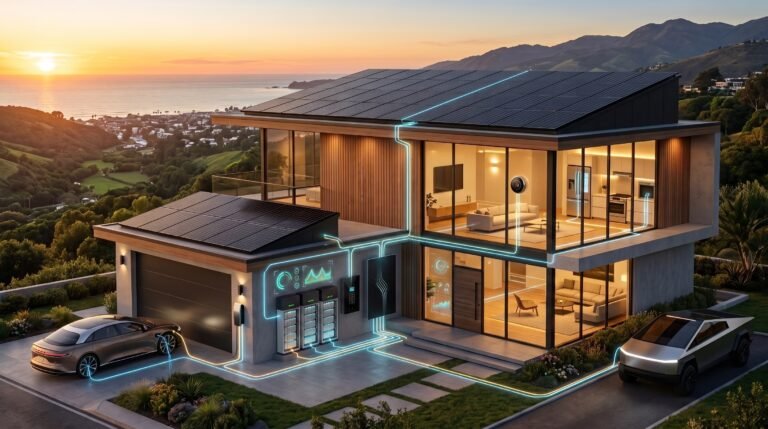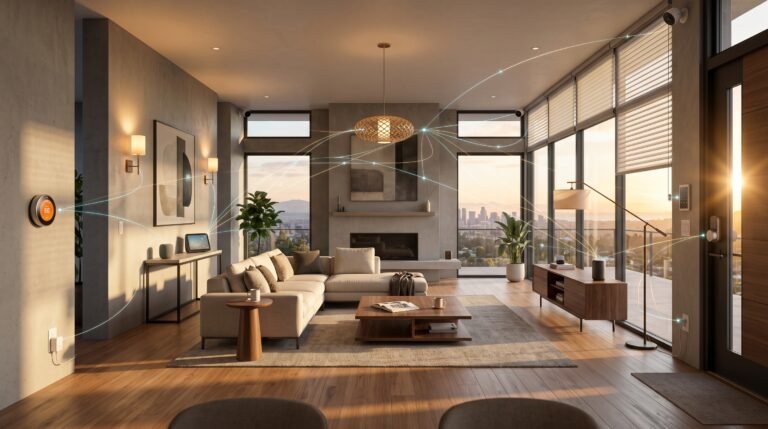

AI smart thermostat 2026 technology has redefined home energy savings, but not all promises match real results. If you want to cut heating and cooling bills with minimal hassle—and actually verify your ROI—you need to know which AI features and thermostats deliver on predictive, room-by-room control for real homes. This guide strips out the hype and shows exactly how to buy, install, and squeeze the most energy savings out of the latest AI smart thermostats.
Key Takeaways
- AI smart thermostats with true room-by-room, predictive control are achieving verified energy reductions of 15%–20%, far above older programmable models and even basic smart versions.
- Models like ecobee Smart Thermostat Premium lead in multi-room sensor accuracy and actionable energy data, while Nest Learning Thermostat 4th Gen focuses on AI schedule learning but lags in room-specific occupancy detection.
- Installation quality and proper sensor placement are crucial—plus, most reviews fail to explain how rebates and exportable energy analytics can further boost ROI.
Table of Contents
What “AI smart thermostat 2026” actually means for energy savings
The term “AI smart thermostat 2026” refers to a new generation of thermostats that use machine learning, predictive scheduling, and multi-room sensors to deliver actual, measurable energy savings. Unlike basic programmable units or first-gen smart thermostats, these new models do more than automate static schedules. They actively adjust temperature and HVAC runtime based on your routines, local weather, and presence in each room.
Key capabilities to look for:
- Predictive scheduling: Learns and anticipates when rooms are used, adjusting heating and cooling ahead of time, not just reactively.
- Occupancy detection: Uses sensors to sense when people are in specific rooms, minimizing waste in unoccupied spaces.
- Room-by-room optimization (“zoning”): Rather than averaging out comfort across the whole house, the system targets each room with its own logic—especially effective for multi-story and large homes.
According to recent DOE and ENERGY STAR data, standard smart thermostats typically yield around 8%–10% energy savings. True AI-driven, predictive, room-by-room systems (like the ones from ecobee or Nest) are achieving 15%–20% reductions against conventional programmable models. Ecobee claims up to 26% on their product page—though real-world user averages tend to be closer to the 15%–20% range.
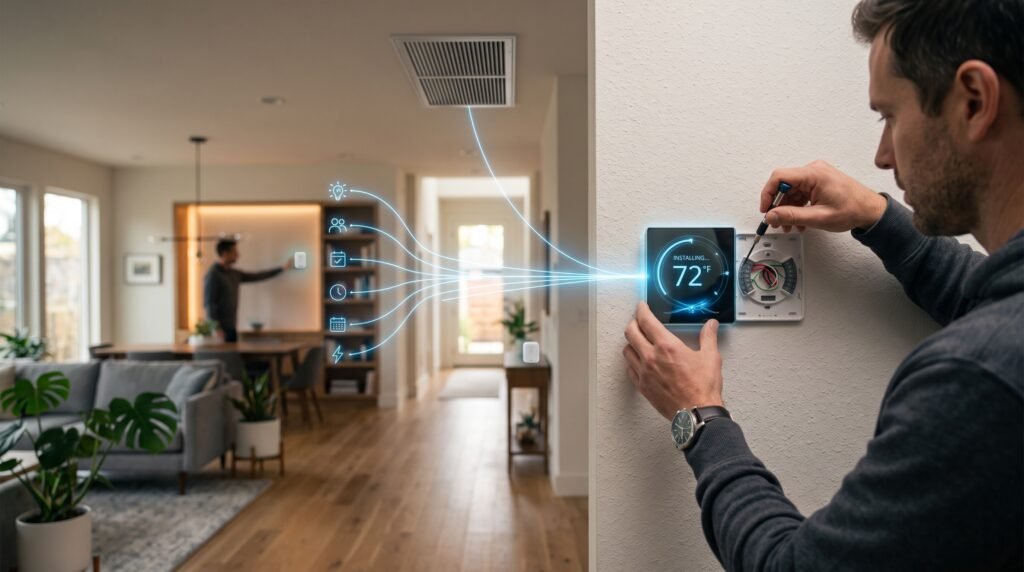
For a deeper dive into how smart home devices work and what protocols are shaping the future, see this Smart Home Automation for Beginners guide.
Step-by-step guide: buying and setting up predictive room-by-room thermostats
Assess your HVAC system and home layout.
Before buying, check if your central HVAC is compatible and if you have (or need a C-wire). Consider your layout—is it open-plan or do you have bedrooms, offices, or “problem” rooms that get too hot/cold?
Pick models with advanced sensors and analytics.
Prioritize thermostats that include multiple wireless room sensors (with temperature and occupancy detection). Ecobee Smart Thermostat Premium ships with top-rated remote sensors, cited for both accuracy and effective presence detection. Nest’s external sensors lack true occupancy but do track temperature well.
Strategically place sensors.
Place sensors in high-use rooms (master bedroom, living room, kids’ rooms). Always avoid locations near vents, windows, or direct sunlight. Ecobee supports up to 32 sensors, so you can truly fine-tune comfort and savings.
Leverage predictive scheduling and learning.
Set up the AI learning modes and occupancy routines. Give the thermostat at least 2–3 weeks to learn actual patterns. Use manual overrides for unusual days, but let the AI adjust itself to normal routines for best long-term energy savings.
Monitor energy use and savings.
Use each thermostat’s energy reports to track runtime and temperature setbacks, but supplement with a dedicated energy monitor for your HVAC if you want precise before-and-after comparisons. For more on this, explore monitor energy use solutions.
Check for rebates and incentives.
Most buyers overlook substantial rebates: utility-sponsored, state, and federal tax credits. Unfortunately, most product pages and reviews (even from top brands) don’t supply comprehensive, location-specific rebate lists. Always check your local energy utility and programs like ENERGY STAR rebate finder.
Decide on DIY versus professional installation.
Pros are recommended if you lack a C-wire, have multi-stage or heat pump setups, or want to avoid app and sensor pairing glitches. Poor installation can significantly cut into potential AI-based savings.

Curious about how protocols like Matter and the latest smart home integrations can impact your thermostat investment? Explore Matter protocol devices and future-proofing strategies.
Advanced analysis & common pitfalls in real homes
Most reviews and product pages skip the details that matter when it comes to “predictive thermostat room by room” savings. Here’s where real-world users run into trouble—and how to avoid it.
| Feature | Ecobee Smart Thermostat Premium | Nest Learning Thermostat 4th Gen |
|---|---|---|
| Predictive Scheduling | Advanced learning + room occupancy; adaptive per room | Strong schedule AI, but mainly one-home average; less room-specific |
| Remote Sensors | Accurate, with true temperature and occupancy detection | Good temperature only; occupancy detection lacking |
| Reported Energy Savings (Manufacturer) | Up to 26% (real-world 15%–20%) | 10%–15% (real-world tends toward lower end) |
| User Reported Issues | Sensor battery life, some app confusion, pairing sensors | Confusing interface, AI schedule “oddities,” dashboard data limited |
| Rebates & Energy Analytics | Mentions eligibility, but lacks detailed, location-specific guidance | Limited rebate resources, less exportable analytics |
Common pitfalls and how to avoid them:
- Improper sensor placement leads to inaccurate temperature/occupancy readings—wasting energy or causing comfort “dead zones.”
- Ignoring manufacturer recommendations on C-wire or wireless range (especially in homes with brick, stone, or large square footage).
- Failing to monitor and replace remote sensor batteries every 18–24 months.
- Over-trusting AI schedule learning—manual fine-tuning may still be needed, especially in homes with irregular schedules.
- Missing out on up to $50–$100 per thermostat via utility rebates simply because most brands (and review sites) don’t link to rebate finders.
Surprisingly, most high-ranking thermostat reviews never discuss deep-learning load balancing, multi-room analytics, or open integrations for advanced demand response—yet these are features that separate a true “AI smart thermostat 2026” from yesterday’s “dumb” smart thermostats.
For a broader look at energy automation and how AI is shaping the future of home electricity management, see this proven whole home energy guide.

Conclusion: The smart path to verifiable savings
The best way to maximize your return with an AI smart thermostat 2026 is to prioritize predictive, room-by-room control with advanced sensors—and to actually verify your energy reduction with before-and-after data. Models like Ecobee Smart Thermostat Premium are best for homeowners who demand granular control and actionable energy data, while the Nest Learning Thermostat 4th Gen is favored by those wanting simple, quickly-adapting AI. No matter which you choose, check all available utility rebates, demand exportable analytics, and allow the device at least three months to calibrate before judging results.
Take action: audit your current HVAC setup, map which rooms need sensors, check your state and local rebates, choose a model using the features checklist above, and measure energy use for 3–6 months after installation. For more smart home energy-saving strategies, check out advice on whole home automation and monitoring.
FAQ: AI Smart Thermostats 2026
How much can an AI smart thermostat 2026 actually save me?
Most users see a verified 15%–20% reduction in heating and cooling energy compared to a regular programmable thermostat, based on published DOE and ENERGY STAR benchmarks. Basic smart models tend to deliver 8%–10% savings.
Do remote room sensors really matter?
Yes—research and user reports repeatedly show that predictive, remote room sensors with occupancy-based scheduling delivers significantly higher real-world savings compared to thermostats that only sense the main hallway or living room. Placement and sensor accuracy are key.
Are there rebates for upgrading to a smart thermostat?
In many areas, yes. Most utility providers offer rebates of $50–$100 or more for ENERGY STAR-certified smart thermostats. Ecobee and Nest mention eligibility, but you should always search your local utility’s rebate or incentive portal for details—brand sites rarely provide specifics.
How do I measure and verify my energy savings?
Compare your utility bills and your thermostat’s own runtime reports before and after installation over 3–6 months. For more accurate evaluation, normalize for degree-days (weather variation) and use a home energy monitor if possible.
What installation mistakes reduce AI savings?
Poor sensor placement, skipping the C-wire, not completing setup in the app, and failing to let the system learn for several weeks can erode savings by forcing the thermostat into regular “dumb” modes. Professional installation is worthwhile for complex systems.
—