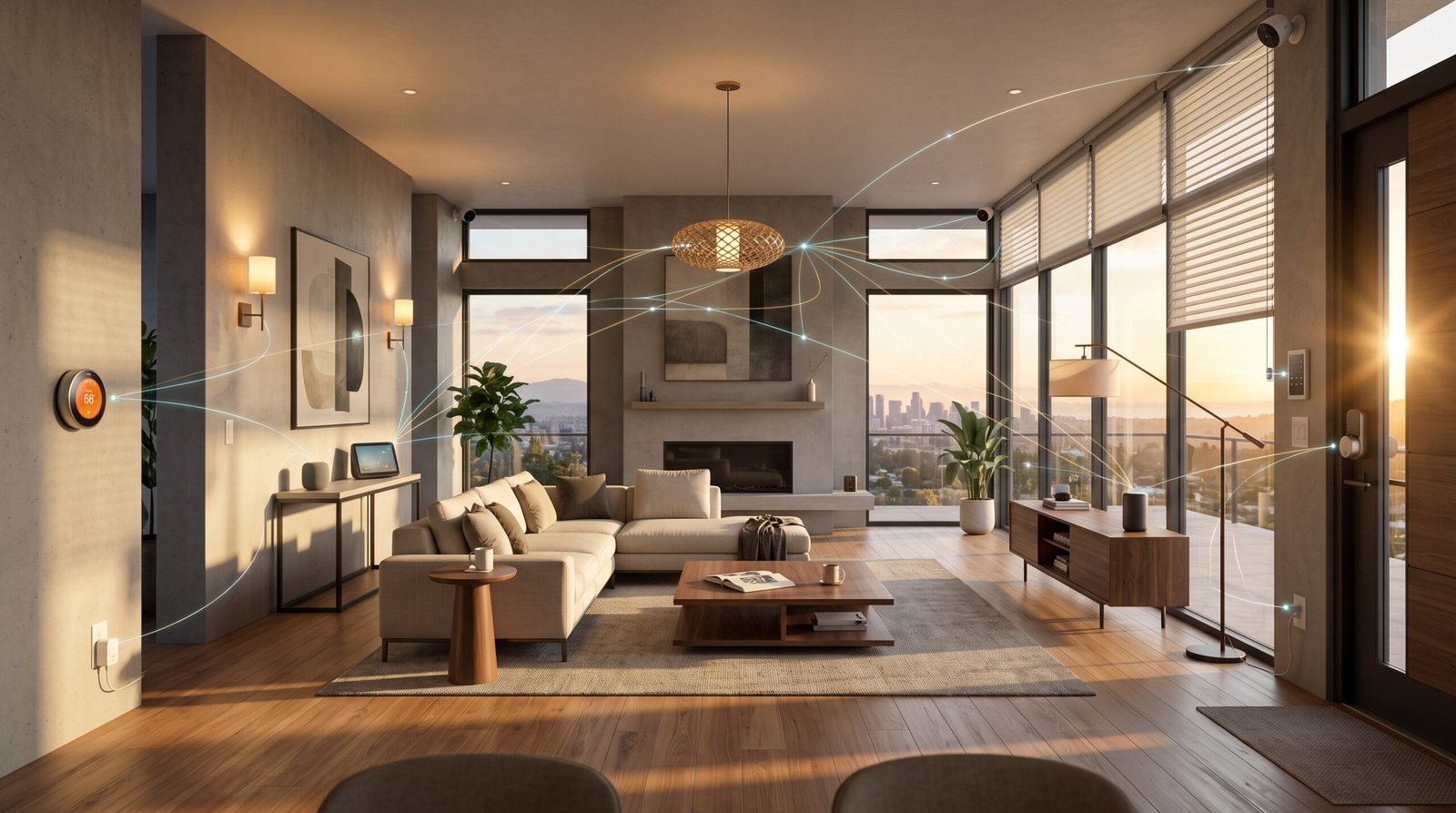
Matter protocol smart home adoption is accelerating, but migrating from Zigbee or Z-Wave to future-proof your setup without costly replacements demands a practical, step-by-step strategy. Here’s how to cut through confusion, avoid common migration headaches, and make your devices work together for years to come.
Key Takeaways
- Matter-certified devices are set to represent nearly 50% of smart home hardware sales by end of 2026, but Zigbee and Z-Wave remain relevant for cost-sensitive and legacy setups.
- Full migration is rarely simple: reliable Matter integration requires bridges, firmware updates, proper Thread border router planning, and staged rollouts to avoid disruption.
- Skipping device replacements, understanding technical limitations, and following a staged migration blueprint will protect your investment and minimize downtime.
Table of Contents
What is Matter — a Quick Primer
What is matter protocol? Matter is now the leading standard for smart home interoperability, designed to let devices from Apple, Google, Amazon, Samsung, and more communicate securely and reliably on a single network. The core principles of the matter protocol smart home ecosystem are:
- Cross-brand compatibility: No more siloed setups—Matter devices work together, regardless of manufacturer.
- Device self-description & secure pairing: Devices join your network through secure, simple onboarding with clear communication of features and capabilities.
- Multiple transport layers: Matter can run over Thread (mesh, low-power), Wi-Fi (high bandwidth), or Ethernet—owning a matter device does not mean it runs on Thread by default.
As of June 22, 2026, Matter 1.6 is the latest official specification. Most new device launches from leading brands now include Matter compatibility, usually as add-ons to existing Wi-Fi or as native Thread nodes.

For more basics and a deep beginner’s guide, see our Complete 2026 Smart Home Automation for Beginners.
Migration Blueprint — Step‑by‑Step Plan for Zigbee/Z‑Wave Homes
If you already have a sizable Zigbee, Z-Wave, or mixed-protocol home, you do not need to start from scratch. Follow this staged, risk-mitigated process to begin incorporating Matter-certified devices, while protecting your legacy investments and minimizing frustration:
- Inventory your existing devices: List all Zigbee, Z-Wave, Wi-Fi, and proprietary products. Note model, firmware version, cloud dependencies, and battery/mains power status. Use tools like Home Assistant’s device registry export for automation.
- Audit firmware and vendor support: Update all hubs, bridges, and key devices to the latest available firmware—even for legacy devices. Check vendor roadmaps for planned Matter upgrades, and identify which (if any) of your old Zigbee devices can be upgraded via manufacturer bridge firmware.
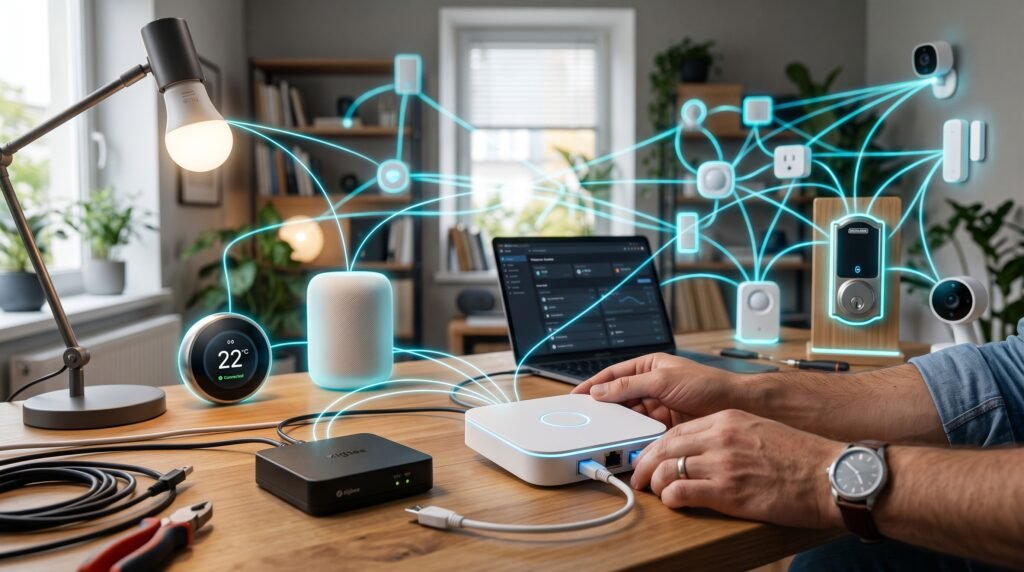
- Add a Thread border router: If you don’t have one yet, add a Matter-certified smart speaker (e.g., 2026-gen Apple HomePod, Google Nest Hub, Samsung SmartThings Station) or dedicated Thread device to build out mesh coverage. Aim for at least two border routers in mid-sized homes for redundancy and performance.
- Pilot hybrid operation: Bridge Zigbee/Z-Wave devices into your Matter-integrated ecosystem using existing bridges/gateways (like the SmartThings Hub or Home Assistant SkyConnect) or their certified cloud integrations. Start with non-critical sensors and switches to test ecosystem stability.
- Staged device replacement: As you expand or replace broken hardware, prioritize best matter devices—smart locks, plugs, thermostats, and cameras with native Matter support. Don’t rush to rip-and-replace working Zigbee/Z-Wave gear unless reliability or compatibility demands it.
- Test, rollback, and document: After each stage, verify automations, routines, and multi-admin controls. Document what’s working, what isn’t, and create clear rollback points (full backups of hub configurations / automations).
- Gradually shift cloud dependencies: Use local Matter automation where possible, reserving cloud integrations for advanced routines until Matter matures and vendor updates close residual gaps.
For a breakdown of protocol-level tradeoffs, see our smart home basics article.
Advanced Analysis & Common Pitfalls
Adding matter protocol smart home features seems straightforward, but technical realities and rapid market changes introduce real risks. Here’s where most migrations stall—and what to do about it:
- Bridging Gaps: Most Zigbee and Z-Wave devices cannot be converted to Matter directly—hardware differences mean only a handful receive upgrades. Running bridges increases latency and sometimes duplicates device entries across platforms.
- Thread Network Glitches: Thread border routers are not all equal. Some smart speakers only act as partial border routers, with limited device limits or no failover if you remove one node. Placing multiple border routers improves mesh, but watch for 2.4 GHz congestion as both Thread and Zigbee operate here, sometimes interfering with each other and with Wi-Fi.
- Android Restore Pitfalls: Thread credential syncing across Android devices can break, especially during platform restore or re-pairing. If Thread nodes fail to join after backup restoration, clearing Google Play Services cache and manually re-adding credentials is usually required (reference).
- Battery Life Surprises: Thread promises longer battery life than Wi-Fi, but in practice, many early Thread devices draw more power than expected—especially in dense networks or if border routers are not close enough physically.
- Uneven Feature Rollouts: Platform updates come at different times. Apple Home, Google Home, and Home Assistant may all support a device, but with different capabilities or automation options. Always check the latest Matter device compatibility lists and firmware notes before buying new gear.
| Protocol | Transport | IP or Non-IP | Typical Device Type | Matter-Compatible? |
|---|---|---|---|---|
| Matter (Thread) | 802.15.4 (mesh) | IP-Based IPv6 | Battery sensors, locks, switches | Yes |
| Matter (Wi-Fi/Ethernet) | Wi-Fi/Ethernet | IP-Based | Cameras, plugs, bridges | Yes |
| Zigbee | 802.15.4 (mesh) | Non-IP | Sensors, bulbs | No (bridge needed) |
| Z-Wave | Proprietary Sub-GHz | Non-IP | Sensors, locks | No (bridge needed) |
| Thread (non-Matter) | 802.15.4 (mesh) | IP-Based IPv6 | Sensors, locks | No (needs Matter stack) |
See also our hands-on tips for hybrid smart home ecosystems.
For broader industry stats, Matter adoption is projected to hit 45-50% of global sales by end of 2026, with overall IoT growth at 20-25% annually (per Silicon Labs).

Regionally, Asia-Pacific’s smart home market leads with an estimated 16.5% CAGR, North America and Europe follow. This affects Matter device launch priorities and bridge/hub availability. See market stats here.
Conclusion
Smart migration to a matter protocol smart home in 2026 doesn’t mean tossing out all your Zigbee or Z-Wave gear. By inventorying your network, updating bridges, deploying Thread border routers, and replacing only where necessary, you can future-proof your setup for maximum resilience, compatibility, and ROI. Start now—Matter’s trajectory is clear, and staged migration lets you avoid disruption and minimize replacement costs.
Ready to take the next step? Begin your staged Matter migration today—download our living checklist, and check every device’s compatibility before you buy. For more in-depth migration guides or to compare Matter and traditional protocols, explore our full smart home basics resource.
FAQ
Can my existing Zigbee or Z-Wave sensors be upgraded to Matter?
Most legacy Zigbee and Z-Wave devices cannot natively become Matter devices due to hardware differences. Some vendors offer bridge firmware updates to integrate legacy devices, but direct upgrades are rare.
Do I need to replace all my smart home hubs for Matter?
No. Many existing hubs like Samsung SmartThings, Home Assistant (with the right dongle), or current-gen Apple/Google smart speakers can bridge old devices and act as Matter controllers with firmware updates.
Will Thread improve my battery sensor battery life compared to Zigbee?
Thread is designed for low power, but many current Thread devices draw more energy than optimized Zigbee counterparts, especially if your mesh or border routers aren’t tuned correctly.
What are the biggest frustrations migrating to Matter from Zigbee or Z-Wave?
Frequent pain points include Thread credential restore issues (especially on Android), limited bridge compatibility, RF congestion on 2.4 GHz, and inconsistent device support across Home Assistant, Apple Home, and Google Home.
Where can I check up-to-date Matter compatible devices?
See the official CSA IoT Matter FAQs and compatibility lists, and always check vendor firmware notes before buying.
—